
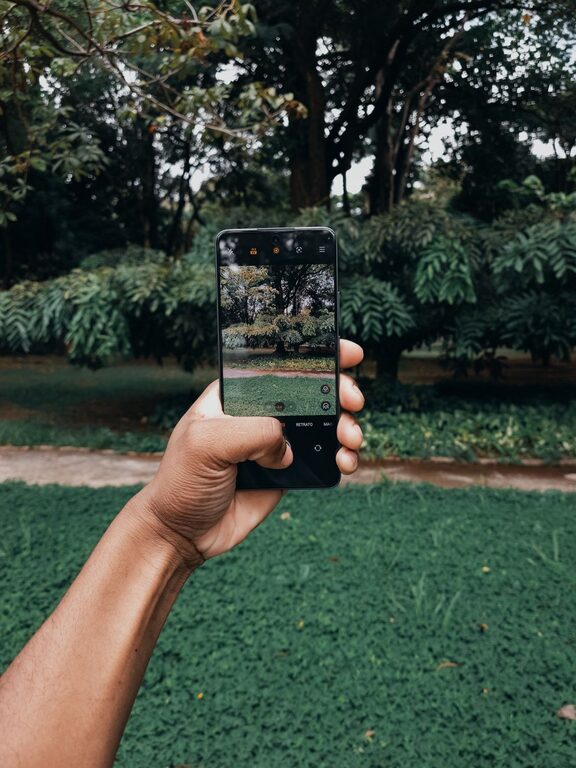
Taking great photos with your phone is easier than ever, thanks to advances in smartphone cameras. Whether you’re capturing memories, sharing on social media, or just experimenting with photography, a few simple tips can help you take better photos right away. This guide offers practical advice for beginners to make the most of their phone’s camera and create more engaging, high-quality images.
Understand Your Phone’s Camera Features
Before diving into shooting, spend some time exploring your phone’s camera app. Most smartphones come with a variety of modes and settings that can enhance your photos:
– Focus and exposure: Tap on your screen where you want to focus. This also adjusts the brightness in that area.
– HDR mode: High Dynamic Range helps balance bright and dark areas in your photo, useful in challenging light.
– Grid lines: Turn on the grid in settings to help compose your shot using the rule of thirds.
– Different lenses: Many phones have multiple lenses (wide, ultra-wide, zoom). Try each to see how they affect your photo.
Getting familiar with these tools gives you more control and lets you capture more creative shots.
Composition Basics: Make Your Photos More Interesting
Good composition is the foundation of beautiful photos. Here are some beginner-friendly tips:
Use the Rule of Thirds
Imagine your screen divided into nine equal parts by two vertical and two horizontal lines. Place key elements along these lines or their intersections to create a balanced photo.
Keep It Simple
Avoid cluttered backgrounds that distract from your subject. A clean and simple background helps your subject stand out.
Look for Leading Lines
Use natural or architectural lines (roads, fences, bridges) to guide the viewer’s eye toward the main subject.
Change Your Perspective
Don’t just shoot from eye level. Try getting lower, higher, or from the side to find a more interesting angle.
Lighting Tips for Better Photos
Lighting makes a huge difference in photography. Your smartphone camera performs best when there’s plenty of natural light.
– Avoid harsh midday sun: Bright overhead sun can cause strong shadows and highlights. Shoot during the “golden hour” (shortly after sunrise or before sunset) for warm, soft light.
– Use natural light indoors: Position your subject near a window for soft, flattering light.
– Avoid using the built-in flash: The phone flash often produces harsh light and unnatural colors. Instead, increase exposure or move closer to your subject.
– Experiment with shadows and silhouettes: Use backlighting creatively to add drama or highlight shapes.
Keep Your Lens Clean
A simple but often overlooked tip: wipe your phone’s camera lens regularly. Fingerprints and smudges can cause blurry or hazy photos. Use a soft microfiber cloth to gently clean the lens before taking pictures.
Hold Your Phone Steady
Blurry photos usually result from camera shake. To avoid this:
– Hold your phone with both hands.
– Tuck your elbows close to your body.
– Lean against a stable surface if possible.
– Consider using a small tripod or phone stand for extra stability.
Use Focus and Exposure Controls
Manually controlling focus and exposure can significantly improve your photos:
– Tap to focus on the subject.
– Adjust exposure by sliding your finger up or down after tapping.
– Lock focus and exposure settings if your app allows, so they don’t change while you shoot.
Don’t Overuse Zoom
Digital zoom reduces photo quality by cropping and enlarging the image. Instead of zooming in, try to move closer to your subject physically. If your phone has optical zoom lenses, use those for better clarity.
Edit Your Photos Thoughtfully
Editing can enhance your photos, but keep it natural for the best results. Use simple editing apps to:
– Crop and straighten.
– Adjust brightness, contrast, and saturation.
– Apply filters lightly or avoid filters that make photos look overly processed.
Many free and user-friendly photo editing apps are available that work well for beginners.
Practice Regularly and Experiment
The best way to improve your phone photography is to practice regularly. Try different subjects, lighting conditions, and compositions. Review your photos critically to learn what works and what doesn’t.
Useful Apps to Explore
Here are some beginner-friendly apps that can help you take and edit better phone photos:
– Snapseed: Powerful yet easy photo editor with many tools.
– VSCO: Offers filters and editing controls with a simple interface.
– Adobe Lightroom Mobile: Great for advanced editing but still beginner-friendly.
– ProCamera or Camera+ (iOS): Apps that unlock manual controls for your camera.
—
By applying these beginner tips, you’ll quickly notice improvements in your phone photography. Remember, the best camera is the one you have with you, and your phone can capture amazing moments with just a little practice and creativity. Happy shooting!